01Why math needs handwriting
Typed slides show the answer, while handwriting shows the thinking. When students watch an equation being rearranged term by term, and hear why each step is allowed, they learn the process and not just the result. That's hard to capture with a phone camera pointed at paper, and awkward with a screen recorder. A whiteboard recorder is built for it.
02Write clear equations
- Zoom in to write small. Exponents, subscripts and fractions are much neater when you zoom in with two fingers, write, then zoom back out. Your viewers zoom with you, or you can lock the camera so they keep seeing the whole problem.
- Shrink it afterward. Write a messy expression large, then select it and resize it. Vittle's ink is vector-based, so it stays crisp.
- Color-code. Use one color per term or step: blue for what you substitute, red for what cancels, green for the answer. The toolbar has 12 color pots.
- Type labels. For a neat title or definition, tap Add… › Add Text. While you record, your words appear as you type them.
With an Apple Pencil, turn on Pencil-only drawing so your palm can rest on the screen while you write long derivations.
03Graph on grid paper
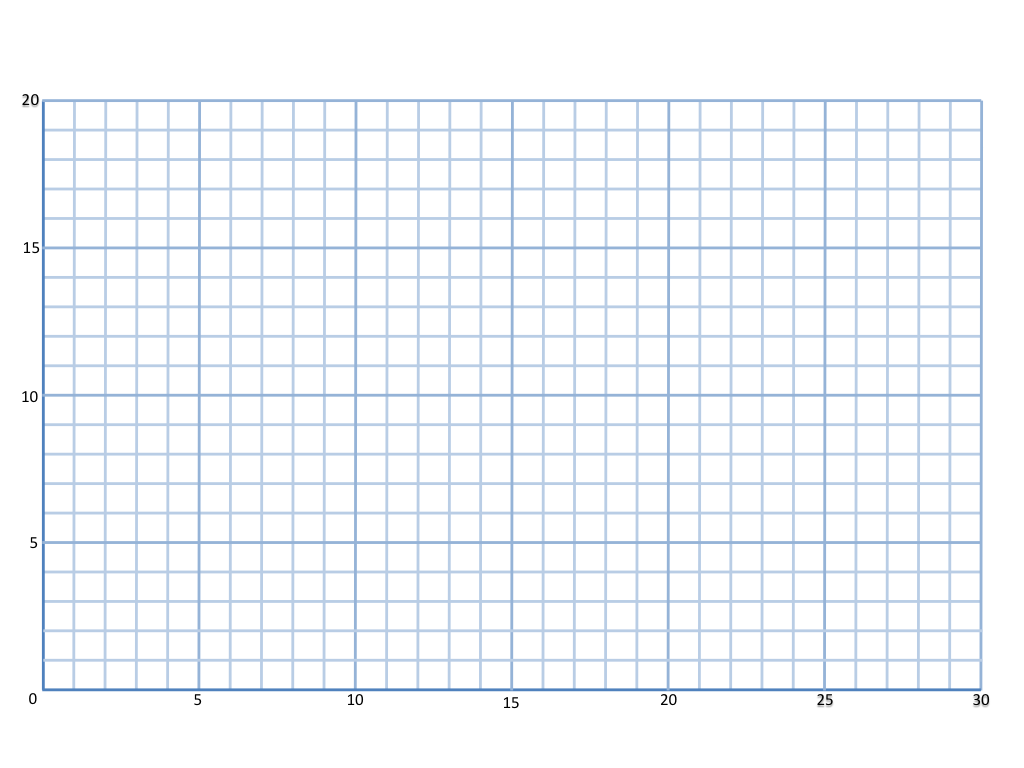
Download one of our free grid backgrounds to your iPad. In Vittle, tap Add… to place it on the page, resize it, then choose Lock Image so it stays put while you draw over it.
| Background | Best for |
|---|---|
| Numbered grid | Graphing in all four quadrants |
| Positive numbered grid | First-quadrant graphs, data and statistics |
| Unnumbered grid | Area models, scale drawings and any axes you label yourself |
Draw the curve live, so students see its shape emerge. Then use Point to trace where it crosses the axes, or zoom in on a turning point.
04Build geometry with shapes
Tap Shapes to add rectangles, ellipses, triangles and right triangles that stay perfectly crisp. Drag a handle to resize, or rotate in 15° steps. Lines, arrows and connectors snap to shapes, which is handy for number lines, vectors and diagrams.
- Straighten: turn it on in the Draw menu, and hand-drawn lines, circles, rectangles and triangles turn into clean shapes.
- Smart guides snap shapes to each other and help you draw a perfect square or circle.
- Shapes on cue: a shape added while recording can fade in, pop in or draw itself.

05Record a worked example
- Before recording, write the problem at the top of the page, so the video opens with the question.
- Tap Rec and read the problem aloud. Say what you're asked to find before you start.
- Solve one step per line, and say why each step works ("subtract 3 from both sides to keep it balanced").
- Point back at the original problem to check the answer.
- End with a "your turn" problem, and ask students to pause the video and try it.
Each time you tap Stop, Vittle saves a scene. Record one problem per scene, and if you make an error you didn't mean to show, delete just that scene and record it again.
Turn on Trace Previous Page in the editor options to see a faint, unrecorded copy of the previous page. Sketch a tricky graph on one page, then trace over it live on the next.

06For tutors
A short recap video after each session is a simple way to stand out as a tutor. Students review exactly what you covered, and parents see the progress.
- Session recaps: photograph the student's work, then record two minutes on what went well and what to practice.
- Homework help: answer a question with a video instead of a long message.
- A library of solutions: record common problem types once, then send the right one when a student gets stuck.
Turn on the presenter camera to add a personal touch: your face appears in a round bubble beside the work. Videos are ordinary files, so you can send them by Messages, email or a shared drive.
07Questions
Does Vittle convert handwriting to typed math?
No. Vittle keeps your handwriting, which is what students want to see in a worked example. For typed labels, add a text box.
Can I import a worksheet or exam?
Yes. Import a PDF worksheet, or add a photo of a textbook page, then solve the problems on top of it. Vittle Lite imports the first 3 pages of a PDF; Vittle Pro imports them all.
How long can a video be?
Vittle Lite records up to 5 minutes per project, which is plenty for a worked example. Vittle Pro records for as long as you like.
Does it work for science, too?
Yes. Physics problems, chemical equations and labeled diagrams all work the same way. Vittle reviewers often mention physics lectures. See science lesson videos.